
Why You Should Never Put a Wet Phone in Rice: The Science & Manufacturer Warnings
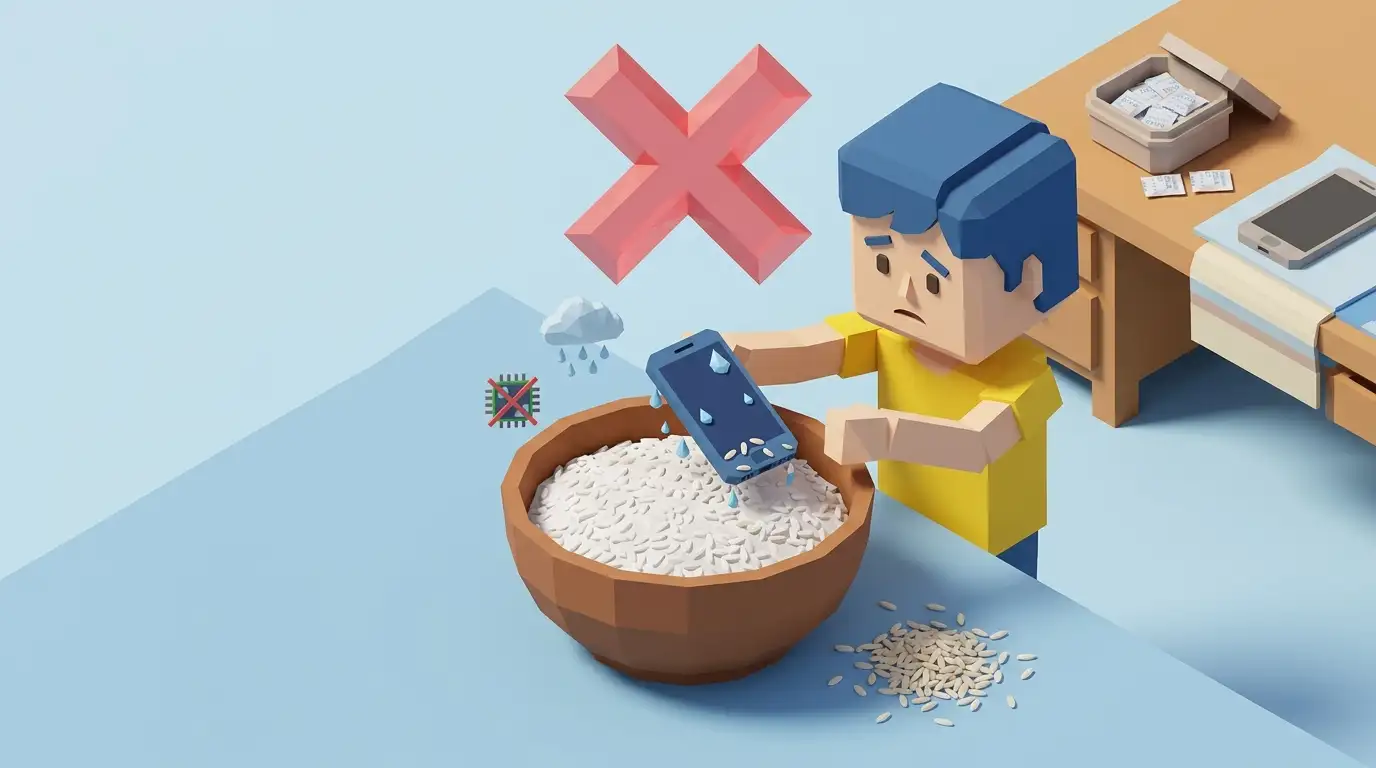
- Apple officially updated its support documentation explicitly warning users NOT to put wet iPhones into rice.
- Raw rice is an inefficient desiccant compared to open ambient airflow and silica gel packets.
- Fine rice dust and starch mix with water inside charging ports to form a conductive paste.
- Enclosing a phone in a sealed container traps evaporating moisture inside the chassis.
For over two decades, the universal folk remedy for a dropped smartphone was a bag of uncooked white rice. However, modern repair technicians and smartphone manufacturers (including Apple and Samsung) now explicitly warn against this practice.
Why does the rice myth persist? Because people who put their phone in rice for 48 hours usually get lucky: modern water-resistant phones would have survived simply by sitting in open air during those 48 hours. The rice gets false credit for what evaporation accomplished.
In rigorous laboratory tests comparing drying rates of soaked electronics, open room air with a gentle fan dried devices significantly faster than sealed bags of uncooked rice, oatmeal, or cat litter.
The real danger of rice is particulate damage. Dry rice grains release microscopic starch particles. When these grains enter the USB-C or Lightning port, microphone holes, and speaker grilles, the residual water turns the starch into a gummy, conductive paste. This residue hardens on metal charging pins, causing corrosion and permanently preventing charging.
Instead of rice: leave your device in a dry area with natural airflow, tap it downward against your hand to displace bulk liquid, and optionally surround it with dedicated silica gel desiccant packs in an open environment.
Research References & Fact Check Sources
Our technical guides adhere strictly to official hardware manufacturer standards. We do not recommend unverified methods or home remedies that void warranties.
- Apple Official Support (Article 102643)
Related Tools & Diagnostic Guides
Continue troubleshooting your device with recommended next steps